

Remember the thrill of mastering your first chess tactics on a classic Chess Master CD? Decades later, the hunt to download Chess Master still captivates fans, but finding safe, reliable sources in 2026 is trickier than ever. Chess Master remains a beloved chess software thanks to its legendary tutorials, iconic AI opponents, and timeless interface that both beginners and seasoned players cherish.
In this guide, you’ll discover the seven best ways to download Chess Master using official platforms, trusted abandonware sites, app stores, and emulators. Whether you want nostalgia or a safe, modern experience, we’ll guide you step by step to the perfect solution.

What to Consider Before Downloading Chess Master in 2026
Thinking about how to download Chess Master in 2026? Before you dive in, it pays to know what you’re getting into. Whether you’re chasing nostalgia or want a powerful chess tool, several important factors can make or break your experience. Let’s walk through the essentials so you can download Chess Master confidently and safely.
Legal and Ethical Aspects
Is it really okay to download Chess Master from just any website? In 2026, it’s more important than ever to check the licensing and copyright status before you download Chess Master. Unauthorized sources can bring serious risks, from malware to legal trouble. Always look for platforms that clearly state the legal standing of the files they offer. Not sure if a site is legit? Compare how abandonware and officially supported releases are described. Remember, just because a game is old doesn’t mean it’s free to share. Protect yourself and your device by choosing trusted sources.
System Requirements and Compatibility
Have you checked if your computer or phone can actually run the version you want? Before you download Chess Master, review the system requirements for each edition. Many classic releases were built for Windows XP or early Macs, which can cause headaches on Windows 10/11 or macOS Ventura. Users often report issues with installation, missing files, or crashes on modern systems. To avoid frustration, try running legacy software in compatibility mode or consider virtualization tools. Reading user comments about installation challenges can give you a helpful heads-up.
Types of Chess Master Versions Available
Did you know there are many flavors of Chess Master out there? When you download Chess Master, you’ll find everything from the 10th Edition and Grandmaster Edition to regional releases and language packs. Some versions are portable, letting you play from a USB stick, while others require a full install. You’ll also see demo or trial options alongside fully featured editions. If you want a deep dive into the series history and what each version offers, the Chessmaster series overview lays out a complete roadmap of editions and platforms.
Safety and Security Concerns
How can you be sure your download is safe? Chess Master files from random sites might contain malware, viruses, or even fake installers. Always scan your downloads with reliable antivirus software. For extra peace of mind, check file hashes like SHA-256 to confirm integrity—many user forums post verified hashes. Stick to platforms with positive reputations and community support. Following these best practices will help you avoid headaches and keep your device secure.
Support and Community Resources
Need help troubleshooting or want to connect with other players? One of the best things about trying to download Chess Master is the active community behind it. User guides, forums, and troubleshooting tips are widely available, often filled with step-by-step advice. Sites like MyAbandonware and Reddit’s chess groups are goldmines for patches and support. Don’t be shy—asking questions or reading others’ experiences can save you a ton of time and frustration.
7 Top Ways to Download Chess Master in 2026
Looking for the best ways to download Chess Master in 2026? Whether you’re a nostalgic player or brand new to the world of digital chess, finding a safe and reliable source can feel like searching for a hidden gem. Let’s walk through the top seven trusted methods to download Chess Master, each offering unique benefits to fit your needs.
1. MyAbandonware
If you want to download Chess Master for free, MyAbandonware is a legendary destination. This site specializes in classic and legacy games, making it a go-to for older Chess Master editions like the 10th Edition. You’ll find multiple language versions, helpful patches, NoCD fixes, and even digital manuals.
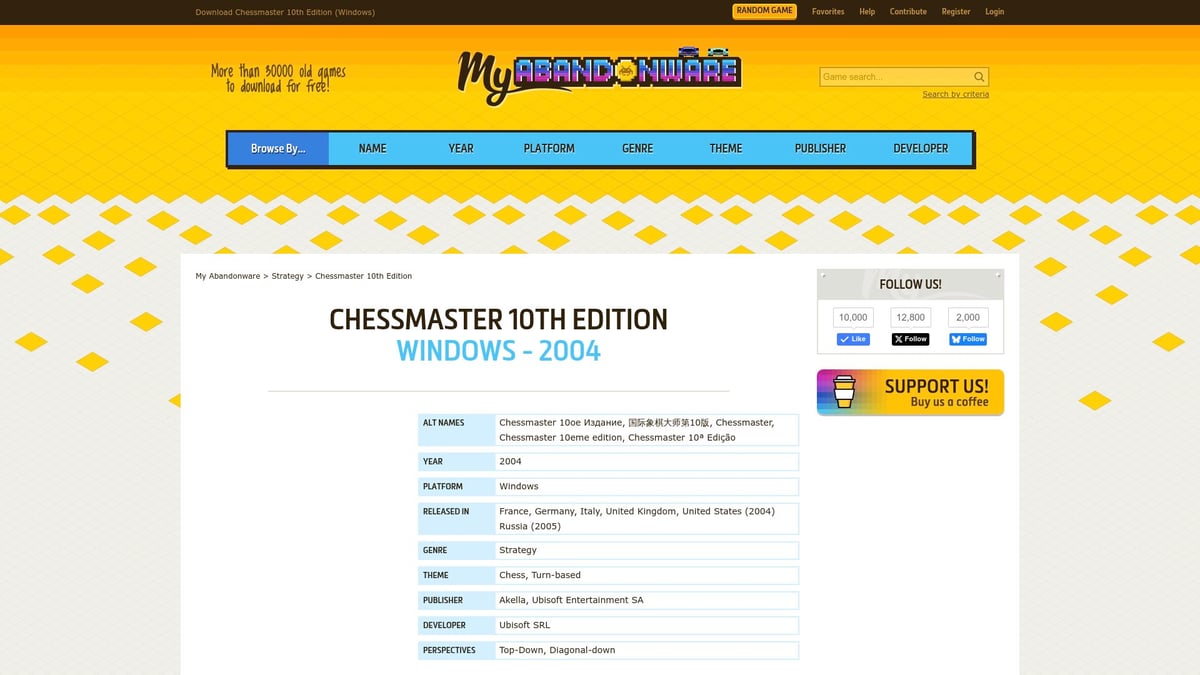
A huge benefit here is the active community. Users regularly submit installation guides and troubleshooting tips, which are especially helpful if you run into compatibility issues. The site also offers SHA-256 file verification, so you can check your downloads for integrity and avoid corrupted files.
Pros:
- No registration required
- Portable and full installation options
- Community support and user guides
Cons:
- Older software may need extra steps to install on modern systems
- Legal status varies by region
Use Cases:
Perfect for players seeking classic versions, those troubleshooting older installations, or anyone wanting to relive Chess Master nostalgia.
Example:
Many users report success by running setup in compatibility mode or using community-suggested fixes. For detailed system requirements and installation instructions, you can consult the Chessmaster 10th Edition manual.
If you’re determined to download Chess Master safely, MyAbandonware is a fantastic starting point.
2. Softonic
Softonic acts as an aggregator, making it easy to download Chess Master across Windows, Android, iOS, and Mac. The platform curates links to both official and third-party sources, letting you compare Chess Master versions or discover new chess software options.
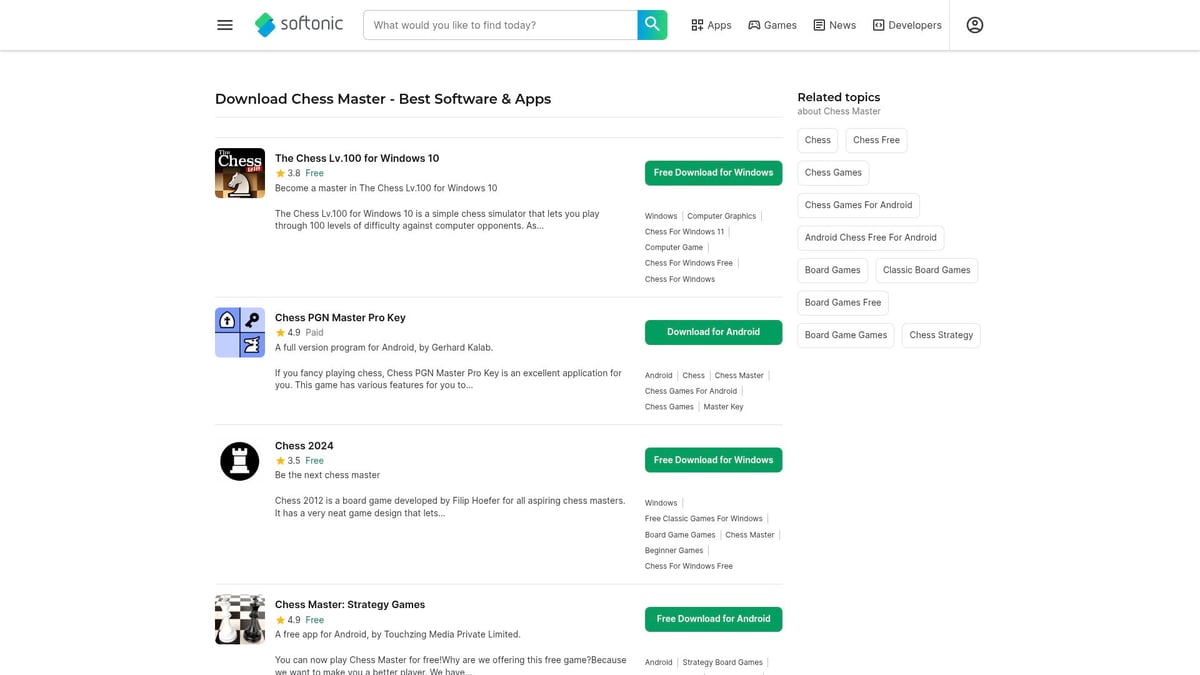
You’ll find user reviews, ratings, and platform-specific filters to help narrow your search. Softonic’s safety checks add an extra layer of reassurance when you download Chess Master from their site.
Pros:
- Supports multiple platforms
- Curated and easy-to-navigate listings
- Includes safety checks and user feedback
Cons:
- Some downloads redirect to external sites
- Trial versions may be limited in features
Use Cases:
Ideal for users who want to evaluate different editions before committing or explore alternative chess software.
Example:
You might find Chess Master: Strategy Games for Android or classic PC versions, all in one place. If you want options and convenience, Softonic is a solid bet for your next download Chess Master search.
3. Steam
Steam is a powerhouse in digital PC game distribution. While classic Chess Master editions aren’t always available here, Steam does offer a wide selection of chess games with modern features. If you want to download Chess Master or a similar title with multiplayer, achievements, and cloud saves, Steam is worth checking regularly.
Steam excels at providing legal, secure downloads with automatic updates and a robust refund policy. If you’re after a modern chess experience or need seamless installation on Windows, this is a standout pick.
Pros:
- Safe, official downloads
- Easy installation and automatic updates
- Active community forums for support
Cons:
- Classic Chess Master editions may not be listed
- May need to settle for modern equivalents
Use Cases:
Great for players who value modern features, multiplayer, and a thriving gaming community.
Example:
Browse Steam’s library for chess titles, and join community discussions for tips or troubleshooting. If you want to download Chess Master or its modern counterparts with peace of mind, Steam delivers.
4. Google Play Store
Android users have it easy when it comes to mobile chess. The Google Play Store is packed with Chess Master apps and alternatives, letting you download Chess Master or similar chess engines straight to your device.
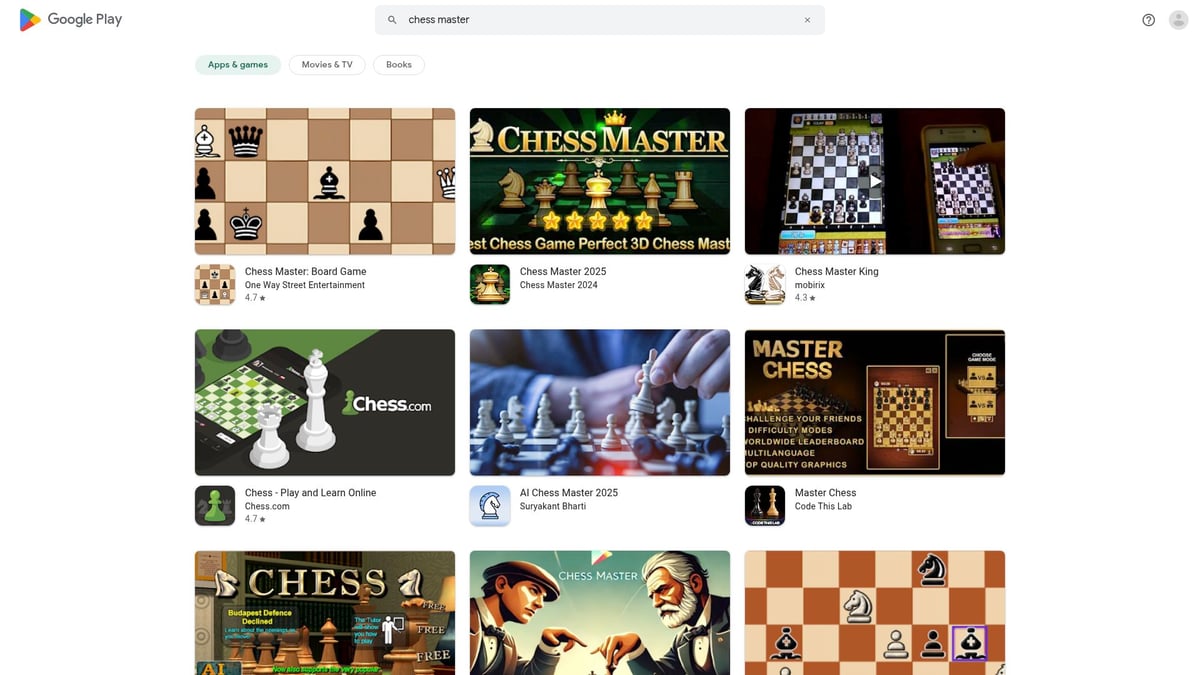
You’ll enjoy mobile-optimized chess engines, online play, and interactive tutorials. User reviews and frequent updates help you pick the best version for your needs.
Pros:
- Safe, verified apps
- Wide selection of chess software
- Instant installs and regular updates
Cons:
- Official Chess Master brand may not always be available
- In-app purchases are common
Use Cases:
Perfect for chess enthusiasts on the go, or anyone wanting to play chess on a smartphone or tablet.
Example:
Chess Master: Strategy Games by Touchzing Media is a popular pick, offering a polished chess experience on mobile. If you’re looking to download Chess Master for Android, start your search here.
5. Internet Archive
The Internet Archive is a digital library preserving software history. Here, you can download Chess Master editions that are rare or discontinued, complete with direct ISO files, scanned manuals, and multi-language support.
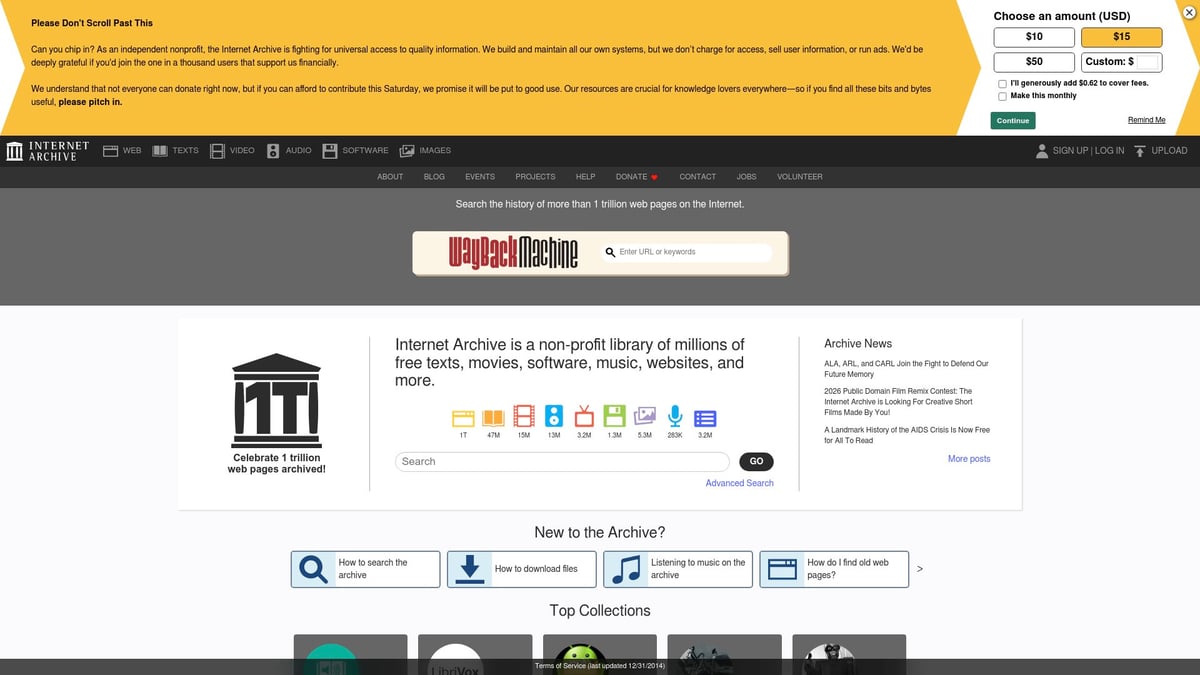
It’s a treasure trove for retro gamers, researchers, or anyone seeking a specific Chess Master version. The platform is free, and you’ll often find additional documentation to help with tricky installations.
Pros:
- Free access to historical versions
- Includes manuals and multiple languages
- Great for preservation and research
Cons:
- Limited technical support
- Installation may require advanced knowledge
Use Cases:
Ideal for those who want to download Chess Master versions that are hard to find elsewhere, or need documentation for legacy editions.
Example:
You can find Italian and Russian versions of Chessmaster 10th Edition, useful for non-English speakers or collectors. If you want to download Chess Master with a focus on preservation, the Internet Archive is a unique resource.
6. Microsoft Store
Windows 10 and 11 users can use the Microsoft Store to download Chess Master or similar chess games. The store offers one-click installation, verified publishers, and integration with Windows security features.
You’ll benefit from seamless updates and compatibility assurance. While classic Chess Master editions are rarely available, you’ll find modern chess apps with high ratings and user reviews.
Pros:
- Trusted source with security checks
- Automatic updates and refund options
- Easy installation on Windows devices
Cons:
- Classic editions may be unavailable
- Mostly features modern chess software
Use Cases:
Best for users who prioritize security, convenience, and integration with their Windows environment.
Example:
Chess Lv.100 is a top-rated chess app on the store. If you’re looking to download Chess Master or a secure alternative on Windows, the Microsoft Store is a safe bet.
7. Emulator Platforms (e.g., DOSBox, VirtualBox)
If you’re struggling to run older Chess Master versions on modern hardware, emulator platforms like DOSBox or VirtualBox are a lifesaver. These tools allow you to recreate legacy operating systems, making it possible to download Chess Master editions from the DOS or early Windows era and play them without hassle.

Emulators are highly customizable but require a bit of technical know-how. The community around DOSBox and VirtualBox is active, so you’ll find plenty of guides and configuration tips.
Pros:
- Revives classic Chess Master editions
- Customizable virtual environments
- Community support for troubleshooting
Cons:
- Technical setup can be time-consuming
- May impact system performance
Use Cases:
Best for advanced users, retro gaming fans, or anyone facing compatibility barriers.
Example:
Many fans use DOSBox to play Chessmaster 3000 or set up VirtualBox for Windows XP compatibility. If you want to download Chess Master and keep it running smoothly on today’s computers, emulators are a powerful tool.
Troubleshooting Common Issues When Downloading Chess Master
Even after you find a great way to download chess master, the journey often comes with a few bumps. Don't worry—you are not alone. Many users run into some classic problems, but with the right tips, you'll get your game up and running smoothly.
Installation Problems and Solutions
When you download chess master, you might hit snags like corrupted ISOs, 1628 errors, or missing files. These are common, especially with older editions.
- Try running
setup.exein compatibility mode. - If the installer freezes, open Task Manager and end stuck processes.
- Sometimes, copying data folders from the virtual disk to your hard drive helps.
- Community fixes, like using NoCD patches, can resolve stubborn issues.
Many users share their experiences in forums, so look for step-by-step solutions tailored to your version. Always double-check the steps before making changes.
File Integrity and Security Checks
Before you install, make sure your download chess master files are safe. Corrupted or fake files are a real risk.
- Use an antivirus to scan every file.
- Verify file integrity with SHA-256 hashes.
- Tools like HashCalc or built-in OS utilities make this easy.
Example:
CertUtil -hashfile ChessMaster.iso SHA256
Compare the result with trusted sources, such as user forums or documentation. This simple step can save you from hours of troubleshooting later.
Running Chess Master on Modern Systems
Getting Chess Master to run on Windows 10, 11, or the latest macOS can be tricky. Compatibility issues are common after you download chess master.
- Use compatibility mode for older Windows versions.
- Virtualization tools, like VirtualBox or DOSBox, can help with legacy editions.
- For Windows-specific details, check out this Chessmaster 10th Edition compatibility report.
Adjusting graphics or sound settings sometimes solves launch problems. Patience and small tweaks often pay off.
Language and Regional Issues
If you want to download chess master in a specific language, pay attention to version and region. Not all releases have every language pack.
- Search for your language in the file description before downloading.
- Community forums often share translated files or regional editions.
- If you run into problems, look for community-made language packs.
Choosing the right version from the start saves time and frustration.
Seeking Help and Community Support
Still stuck after you download chess master? Turn to the community for help.
- User forums and troubleshooting guides are goldmines of information.
- Read through comment sections for tips from others who faced the same issues.
- Reddit chess communities are active and welcoming.
Sharing your experience often brings quick solutions. Don't hesitate to ask questions and offer feedback to help future users.
Alternatives to Chess Master: Modern Chess Software in 2026
Have you ever wondered if there’s something better out there after you download chess master? While Chess Master still pulls at our nostalgic heartstrings, the chess world in 2026 is packed with dynamic, modern software. These platforms offer more than just a game—they bring communities, powerful AI, and a ton of learning tools right to your fingertips.
Overview of Modern Chess Software in 2026
If you have just completed your download chess master journey, you might be curious about what else is available. In 2026, top platforms like Chess.com, Lichess, and ChessBase dominate the scene. These tools let you play online against millions, challenge powerful AI, and access interactive lessons from any device.
You can join live tournaments, analyze games with advanced engines, and even stream your matches. Most platforms are web-based or have dedicated apps, making it easy to play wherever you go.
Comparing Chess Master to Newer Titles
So, how does Chess Master stack up against these modern giants? Classic Chess Master editions offer legendary tutorials, but newer platforms shine with real-time online play and cloud syncing. Graphics and user interfaces have become sleeker, and AI opponents are stronger than ever.
Modern options often include features Chess Master fans love—like training modules and puzzles—but with faster updates and larger communities. Curious about the strengths and weaknesses of each? Check out this handy guide on the pros and cons of chess software for a deeper dive.
| Feature | Chess Master | Chess.com/Lichess/ChessBase |
|---|---|---|
| Online Play | Limited/Offline | Yes, Real-Time |
| AI Strength | Strong (Classic) | Advanced, Adaptive |
| Tutorials | Yes, Unique | Yes, Constantly Updated |
| Community | Smaller, Nostalgic | Huge, Active, Global |
| Mobile Support | Minimal | Full Mobile Integration |
Free vs. Paid Chess Software
After you download chess master, you might wonder about costs. Many modern chess platforms use a freemium model. For example, Lichess is completely free and open-source, while Chess.com offers both free memberships and premium features.
ChessBase caters to serious competitors and often requires a one-time purchase or subscription. If you want to try before you buy, most platforms let you explore basic features for free, then upgrade if you need more advanced tools.
Choosing the Best Chess Software for Your Needs
Choosing between Chess Master and modern platforms depends on your goals. Are you a beginner who just wants to practice? Or an advanced player craving analysis and online tournaments? Compatibility matters too—some software works best on desktops, while others shine on mobile.
Take a moment to list your must-haves. Do you want offline play, interactive lessons, or a bustling online community? If you download chess master for its training, you might also love platforms that offer daily chess puzzle resources to sharpen your tactical skills.
Transitioning from Chess Master to Modern Platforms
Worried about losing your progress or learning curve when moving on from Chess Master? Don’t be. Many new platforms let you import old game files, and there are guides to help you adjust to new interfaces.
Communities on Reddit and official forums are quick to answer questions about switching over. If you download chess master for nostalgia but crave modern convenience, transitioning is easier than ever with the resources available today.
So, now that you’ve got the scoop on all the best ways to get Chess Master in 2026 safely, let’s talk about taking your game even further. Downloading classic chess software is a great start, but if you really want to improve—especially when it comes to openings—you’ll need more than just a game on your hard drive. Why not give yourself an edge for your next match? If you’re ready to stop guessing and actually start playing with confidence, check this out: Start Improving Your Openings. Your next big chess breakthrough could be just a click away!


